

Changing Title Blocks
Title blocks are ordinary blocks with attributes: drawing number, scale, author, revision, and so on. With Indium you can update those attributes across an entire drawing set in one pass instead of opening each file.
- Open the Block Manager (
Ctrl+1) and add your DWG files. - Open the block dropdown at the top and select your title block. It is listed once even when it appears in many files.
- The table now shows one row per title block instance (every layout of every file) with one editable column per attribute.
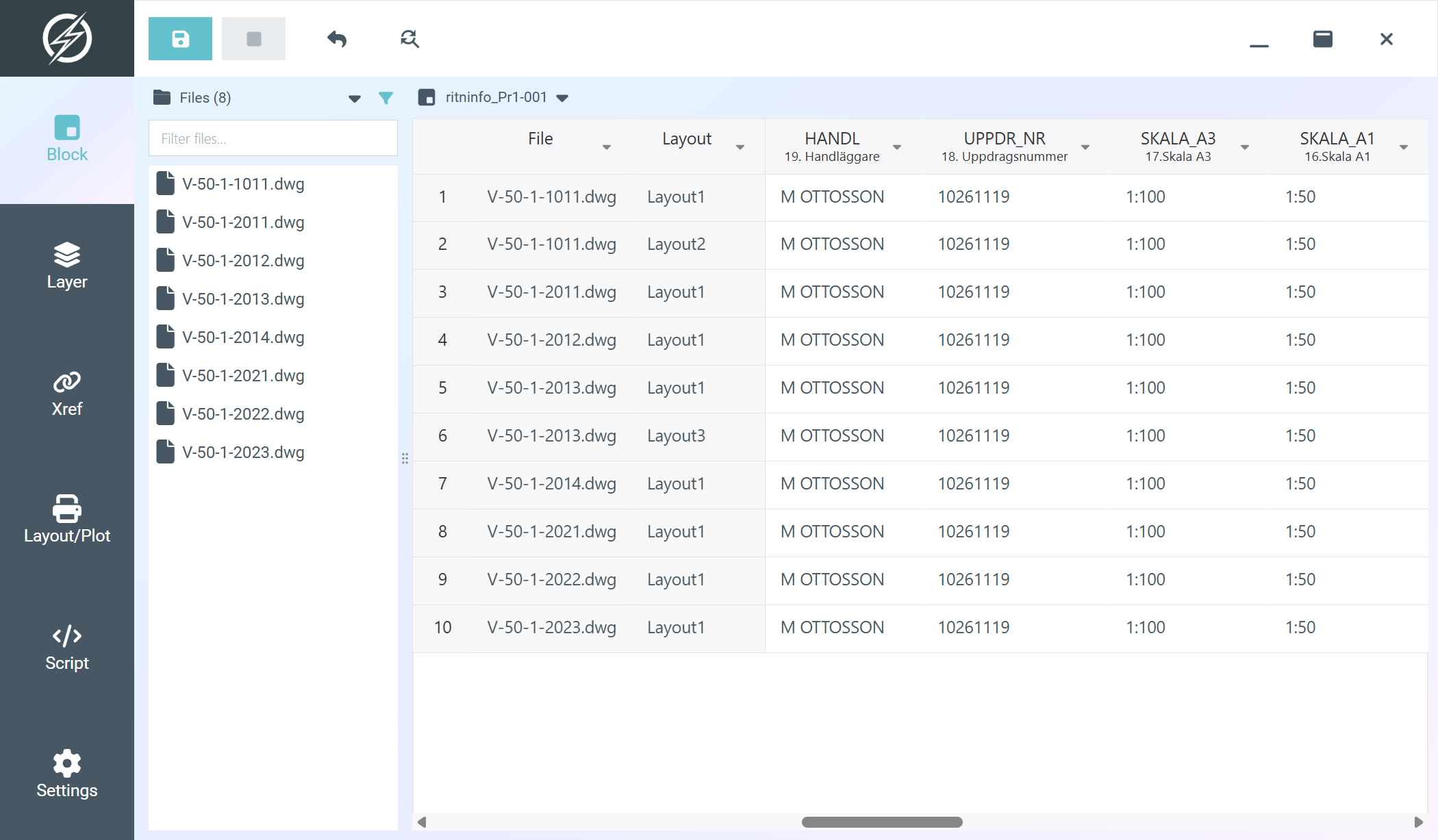
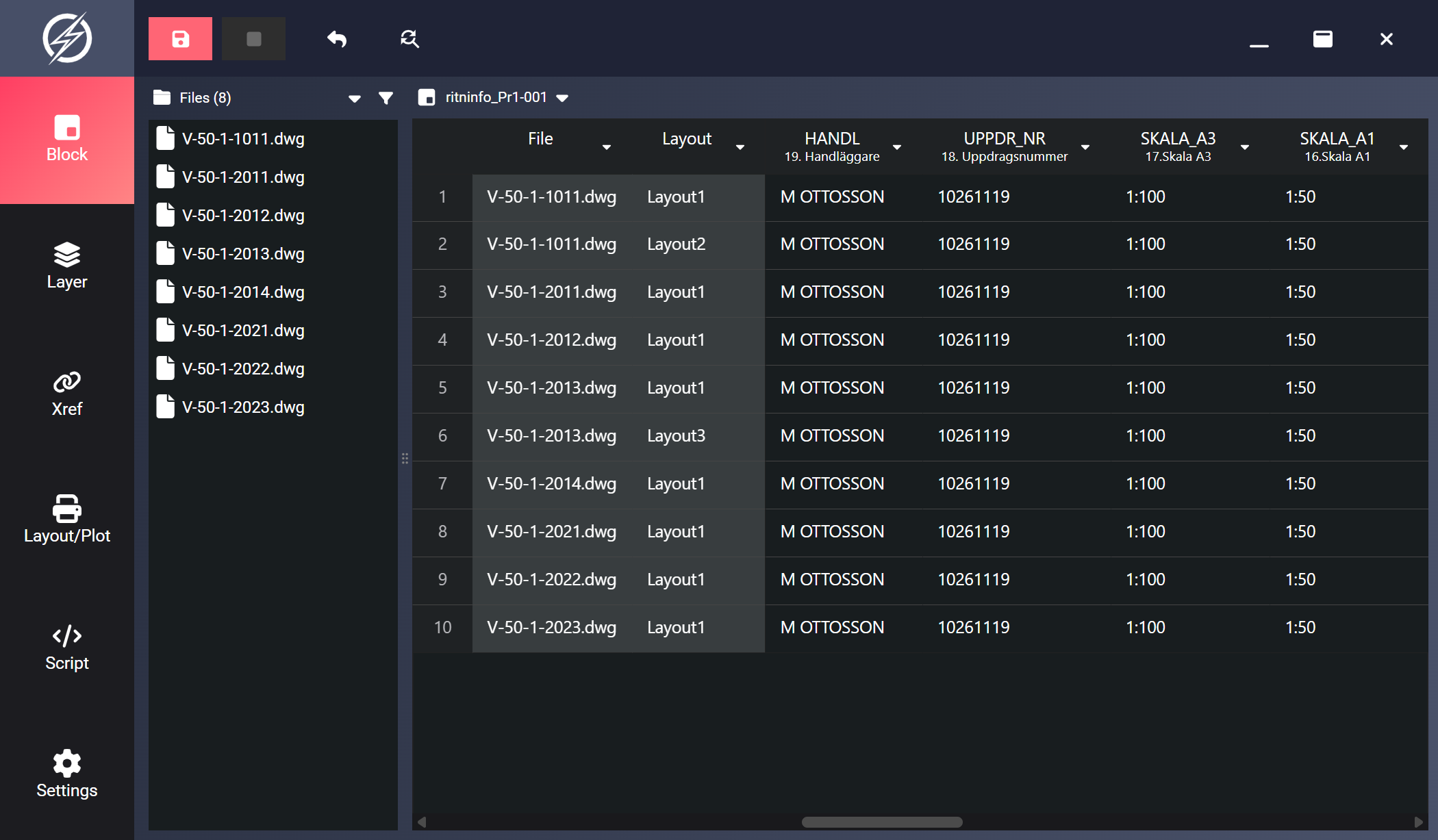
- Edit the values:
- Type directly into cells for one-off changes.
- For repeated changes, select the cells and use Find/Replace: for example replacing an old revision letter or project number everywhere at once.
- Click Save. Changed cells are written back into each drawing’s title block.
- Reload (
Ctrl+R) to verify.
- Filter the File or Layout column first if only some drawings should change.