

Layers
The Layer Manager (Ctrl+2) lets you view and modify layer properties across multiple DWG files in a spreadsheet-style table. Changes are tracked per-cell and saved back to the source drawings.
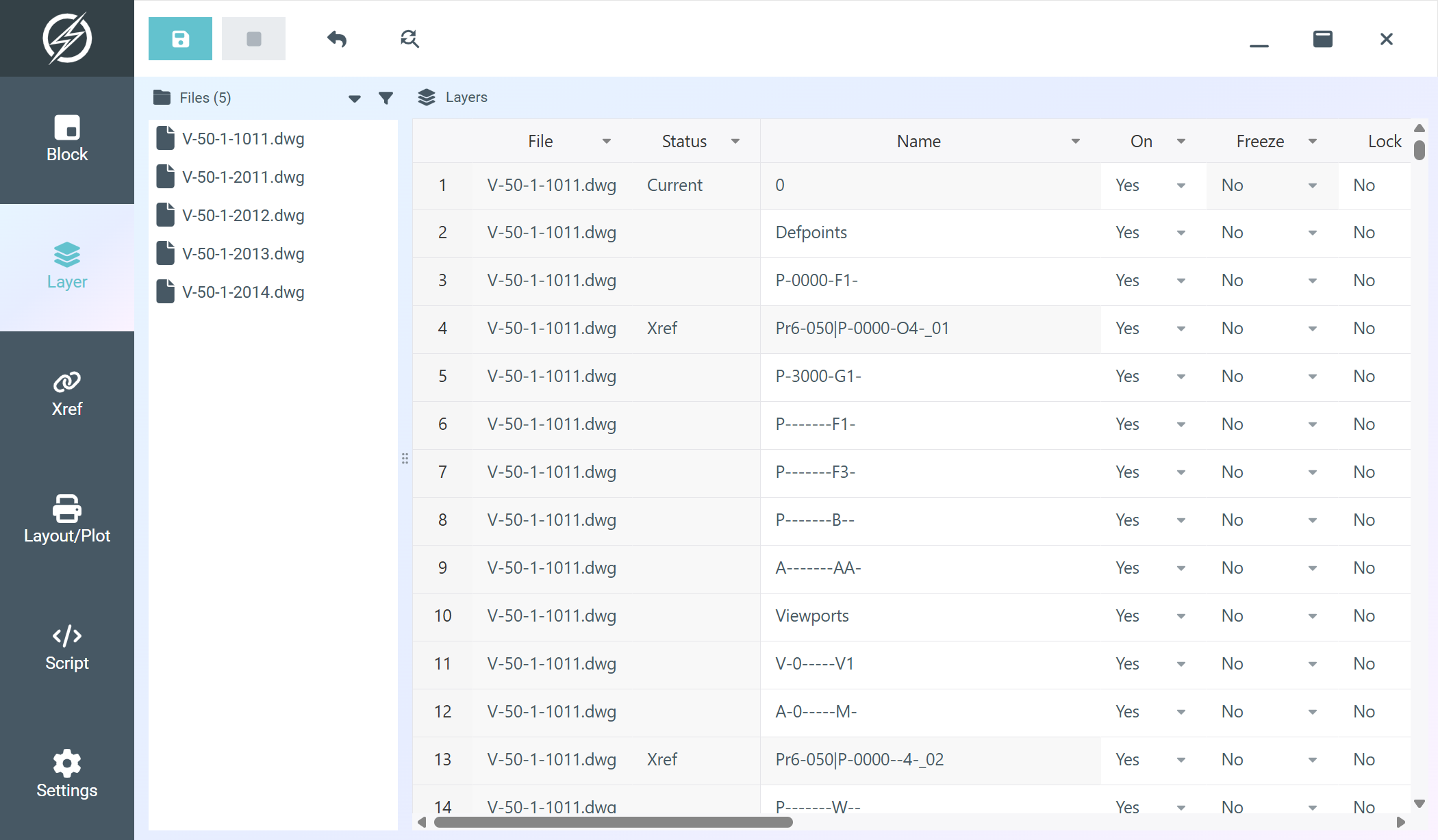
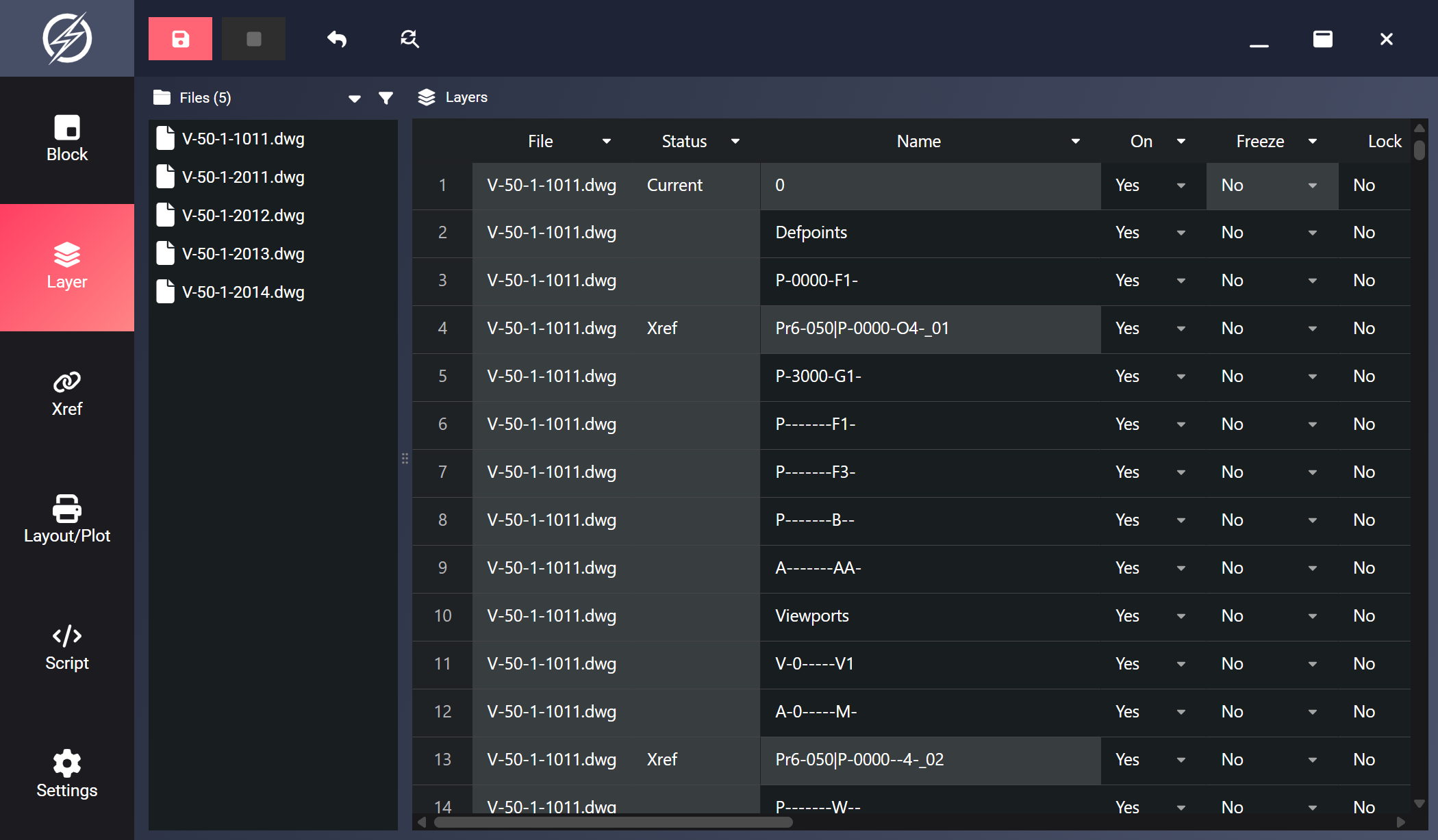
Table Columns
Section titled “Table Columns”| Column | Editable | Description |
|---|---|---|
| File | No | Source DWG filename |
| Status | No | Current for the active layer, Xref for xref-dependent layers, otherwise empty |
| Name | Yes | Layer name (layer 0 and xref-dependent layers cannot be renamed) |
| On | Yes | Layer visibility (Yes/No) |
| Freeze | Yes | Freeze/thaw state (the current layer cannot be frozen) |
| Lock | Yes | Lock/unlock state |
| Plot | Yes | Whether the layer is plotted (locked for Defpoints) |
| Color | Yes | Color picker (ACI index or true color) |
| Linetype | Yes | Dropdown of the linetypes available in that file |
| Lineweight | Yes | Dropdown of standard lineweights (ByLayer, ByBlock, Default, 0.00–2.11 mm) |
| Transparency | Yes | Transparency value, 0–90 |
| Plot Style | No | Assigned plot style |
| Description | Yes | Layer description text |
Color Picker
Section titled “Color Picker”Click any color cell to open the color picker. It has two tabs:
- Index Color: a grid of all 255 ACI colors, with the named colors (Red, Yellow, Green, Cyan, Blue, Magenta, White) on their own row. Hovering shows the color’s index and RGB values. Double-click a swatch (or Ok) to confirm.
- True Color: pick any RGB color with the gradient field, the RGB/HSL inputs, or an exact
R,G,Bor hex value. True colors show in the cell asR,G,B.
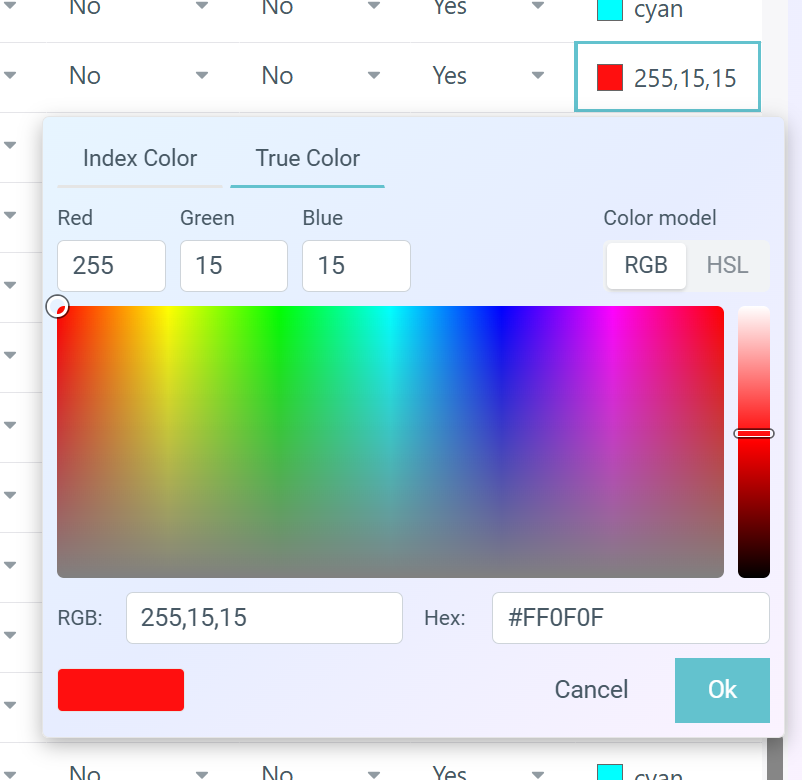
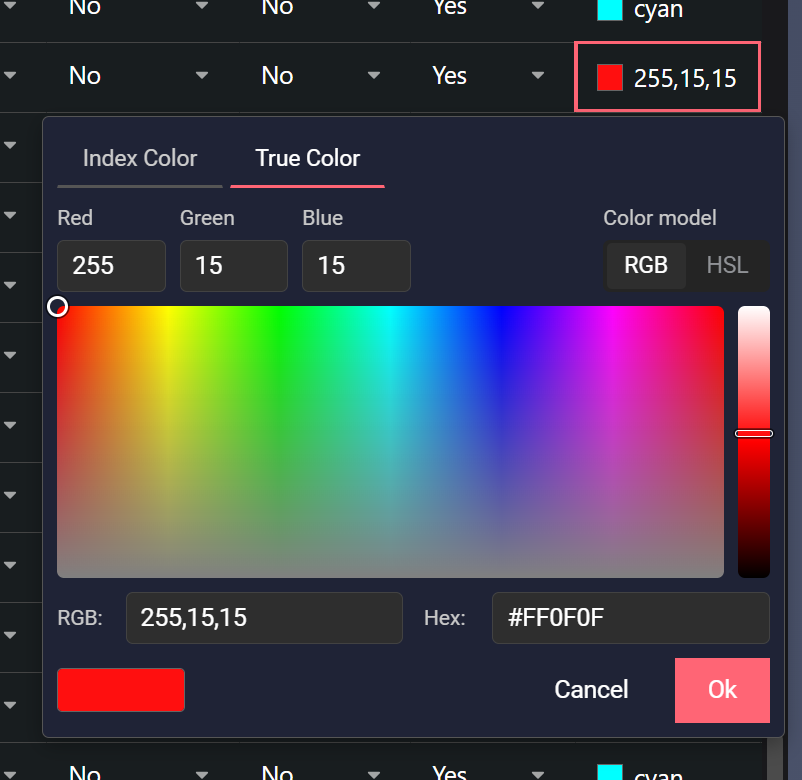
The picker opens on the tab matching the cell’s current value. The color column sorts numerically by ACI index. True colors sort after the indexed colors, ordered by RGB.
Filtering and Sorting
Section titled “Filtering and Sorting”Sort by clicking a column header, and filter via the dropdown arrow on any header. See Filter and Sort for how table filtering works.
Toolbar
Section titled “Toolbar”| Button | Action |
|---|---|
| Save | Write all changed, visible rows back to their DWG files |
| Stop | Cancel an in-progress save operation |
| Undo | Revert changes in selected cells to their original values |
| Find/Replace | Find and replace in selected cells |